
What Is a Court Docket in Galveston County
A docket is the court's running list of events in a case. Each line marks something that happened or is set to happen: a filing, a motion, a hearing, a ruling, or a setting. In Galveston County, dockets are kept by the clerk who serves each court and are surfaced online through the county's hearing-search system. The docket is not the full case file. It is the index of activity, while the file holds the actual documents.
There is a useful split to keep in mind. A hearing docket shows scheduled court dates for a day or a range of days. A case docket shows the history of one matter from filing to disposition. Galveston County's online tools handle both jobs but through different tiles, so the tool you pick depends on whether you want a date or a case history.
Why does the docket matter so much? It is the public's window into a case as it moves. A party uses it to confirm a setting. An attorney uses it to track deadlines. A reporter or neighbor uses it to follow a matter of public interest. Because the Galveston County hearing search names the courtroom and the judge, a docket line also tells you exactly where to go and who will hear the case.
How to Find Galveston County Dockets Online
The Search Hearings tile in the Tyler Odyssey Portal is the docket tool. It is built around a date range, which makes it more targeted than the case-record search when you need today's docket or a particular week. Search Hearings lets you filter by hearing type, search type, courtroom, and judicial officer, and it uses a reCAPTCHA check for anonymous users.
- Open the Odyssey Portal and choose the Search Hearings tile.
- Select a location, then a hearing type of All, Civil, Criminal, or Family.
- Pick a search type, such as case number, party name, attorney, or courtroom.
- Enter your search criteria and set a date-from and date-to range.
- Complete the reCAPTCHA and run the search to see the scheduled settings.
The hearing-search form drives the whole process. The Odyssey Search Hearings page is where Galveston County court dockets are pulled by date.
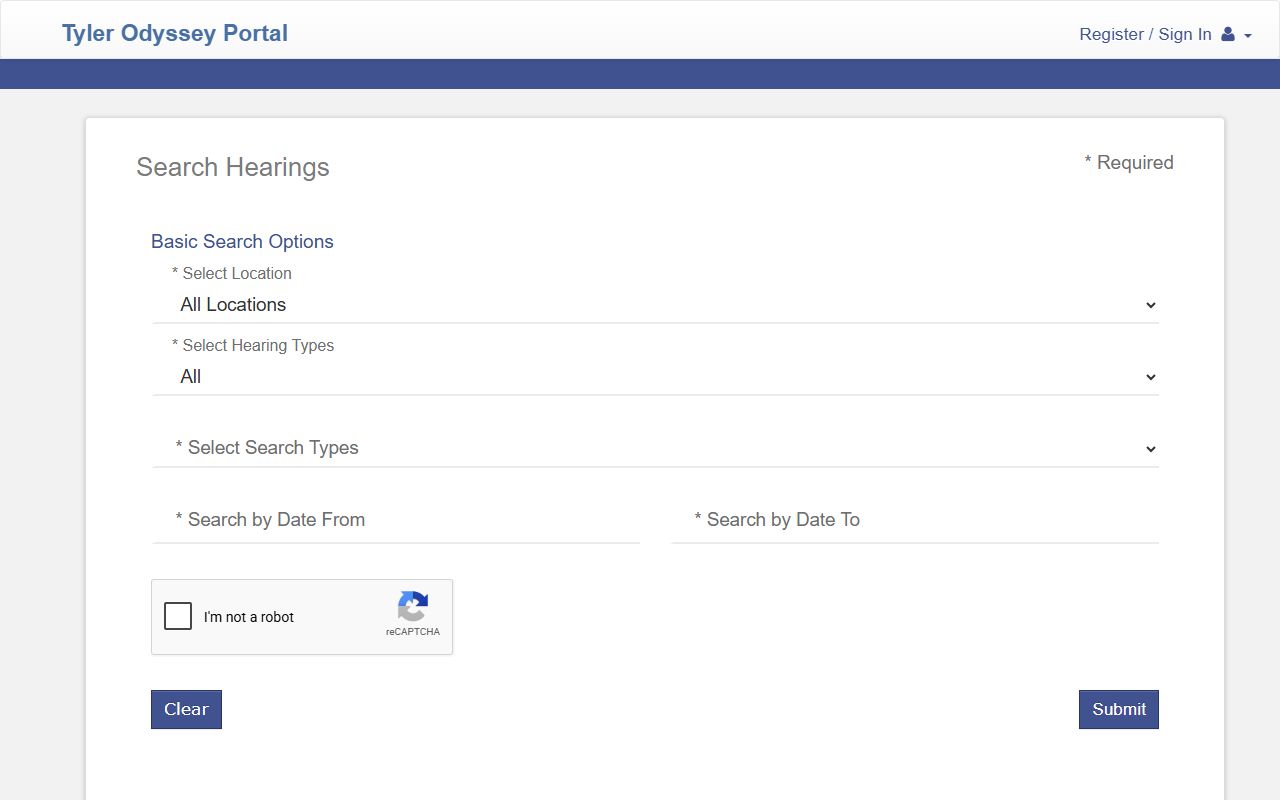
The required date range is the key difference from the case-record search, so always set both a start and an end date.
The fields below are the ones the public hearing-search form exposes.
| Field Label | Type | Required | Notes / Format |
|---|---|---|---|
| Select Location | Dropdown | Yes | All Locations |
| Select Hearing Types | Dropdown | Yes | All, Civil, Criminal, Family |
| Select Search Types | Dropdown | Yes | Case Number, Party Name, Business Name, Attorney Name, Attorney Bar Number, Judicial Officer, Courtroom |
| Search by Criteria | Text | Conditional | Case-number wildcard needs at least four characters then an asterisk |
| Courtroom | Dropdown | Conditional | District courts, county courts at law, probate, JP precincts, magistrate, mental health |
| Search by Date From / To | Date | Yes | MM/DD/YYYY range |
| reCAPTCHA | Captcha | Yes | Required for anonymous public searches |
Sample Galveston County Docket Entry
Each docket entry packs several pieces of information into one line. Reading the parts helps you tell a filing from a hearing or a ruling. A hearing result returns the case, the date, the courtroom, and the judge, while a case docket adds the type of event and the party who acted. The table breaks down a typical entry.
| Field | What It Shows |
|---|---|
| Entry / Hearing Date | The date the event happened or is set. |
| Event Type | The kind of activity, such as motion, arraignment, or trial setting. |
| Courtroom | The court hearing the matter, such as a numbered district court or a county court at law. |
| Judicial Officer | The judge or associate judge assigned. |
| Party / Filer | The party who filed or who the setting involves. |
Note: an online docket can lag the courtroom, so confirm any setting with the court before you rely on it.
Courts That Publish Dockets in Galveston County
The Galveston County courtroom dropdown is unusually detailed, which makes the hearing search powerful. It names the trial courts plus several specialty settings. The list below shows the main groups you can filter by.
- District courts - the 10th, 56th, 122nd, 212th, 306th, and 405th, hearing felonies, major civil, and family cases.
- County courts at law - County Court at Law No. 1, No. 2, and No. 3, plus the constitutional county court.
- Probate Court - estate, guardianship, and related settings.
- Justice of the Peace courts - precinct settings in Bacliff, Texas City, Galveston, Santa Fe, La Marque, Crystal Beach, and League City.
- Specialty settings - magistrate court, mental health, CPS hearings, jail docket, and jury assembly.
City municipal court dockets are separate and are searched through each city's own system, not the county portal.
Docket vs Full Case Record
People often use the words "docket" and "case record" as if they mean the same thing. They do not. The docket is the list of entries. The full case record holds the documents behind those entries. For most quick questions, the docket is enough. For legal review or evidence, you need the file.
| Docket | Full Case Record | |
|---|---|---|
| Format | List of dated entries and settings | Full documents, motions, and orders |
| Access | Searched online by date or case | May need a copy fee or a clerk request |
| Best Use | Track case progress and court dates | Legal review and certified copies |
| Where | Odyssey Search Hearings | Odyssey Smart Search and the clerk's office |
For the file itself, switch to the Galveston County court records search.
How to Read a Galveston County Docket
Docket lines use short labels and status codes. Learn a few and the list reads quickly. A status is not a final outcome. Labels such as "Warrant Issued," "Pre-Indictment," "Motion to Revoke," or "Disposed - Probation/Deferred" mark a stage, not the end of a case.
Disposition codes carry the real result. "Dismissed" ends a charge without a conviction, "Deferred Adjudication Granted" places a person on supervision without a final finding of guilt, and "Disposed" means the matter was resolved. County Court at Law No. 2 also runs administrative dockets, such as an awaiting-felony docket where appearance is not required, so the courtroom label tells you what kind of setting a line really is.
- Setting
- A scheduled court date for a hearing, plea, or trial.
- Continuance
- A postponement of a scheduled setting to a later date.
- Disposition docket
- A docket where pleas and case outcomes are entered.
- Status conference
- A check-in setting, often handled by submission rather than appearance.
If You Miss a Galveston County Court Date
Missing a setting has real consequences. County Court at Law No. 2 procedures warn that failure to timely appear at a court setting results in a warrant being issued and forfeiture of bond. So a missed date can turn a routine case into a custody problem fast. Contact the court or your attorney as soon as you know there is a conflict.
Each court runs its dockets a little differently, and the rules reward attention. County Court at Law No. 2 requires requests for disposition or plea documents to be submitted by 9:30 a.m. on docket day, and the court may refuse a late request. Status conferences there are generally by submission and do not need an appearance unless a party is unrepresented or the court instructs otherwise. In family and civil matters, mediation is required before a final trial or a de novo hearing unless the court excuses it. Notices of settings go out by regular mail, so keep your address current with the clerk to avoid a missed date.
Do not assume an online payment fixes a missed criminal setting. Confirm the case number, the courtroom, and any warrant status with the court that holds the case before you act.
Federal Court Dockets for Galveston County
Federal cases tied to Galveston County are not in the county portal. They sit with the U.S. District Court for the Southern District of Texas, which includes the Galveston Division. Federal civil, criminal, and bankruptcy dockets are tracked apart from county dockets, and federal appeals go to the Fifth Circuit.
The Southern District of Texas publishes its court information and locations online. The Southern District of Texas site covers the Galveston Division and its judges.
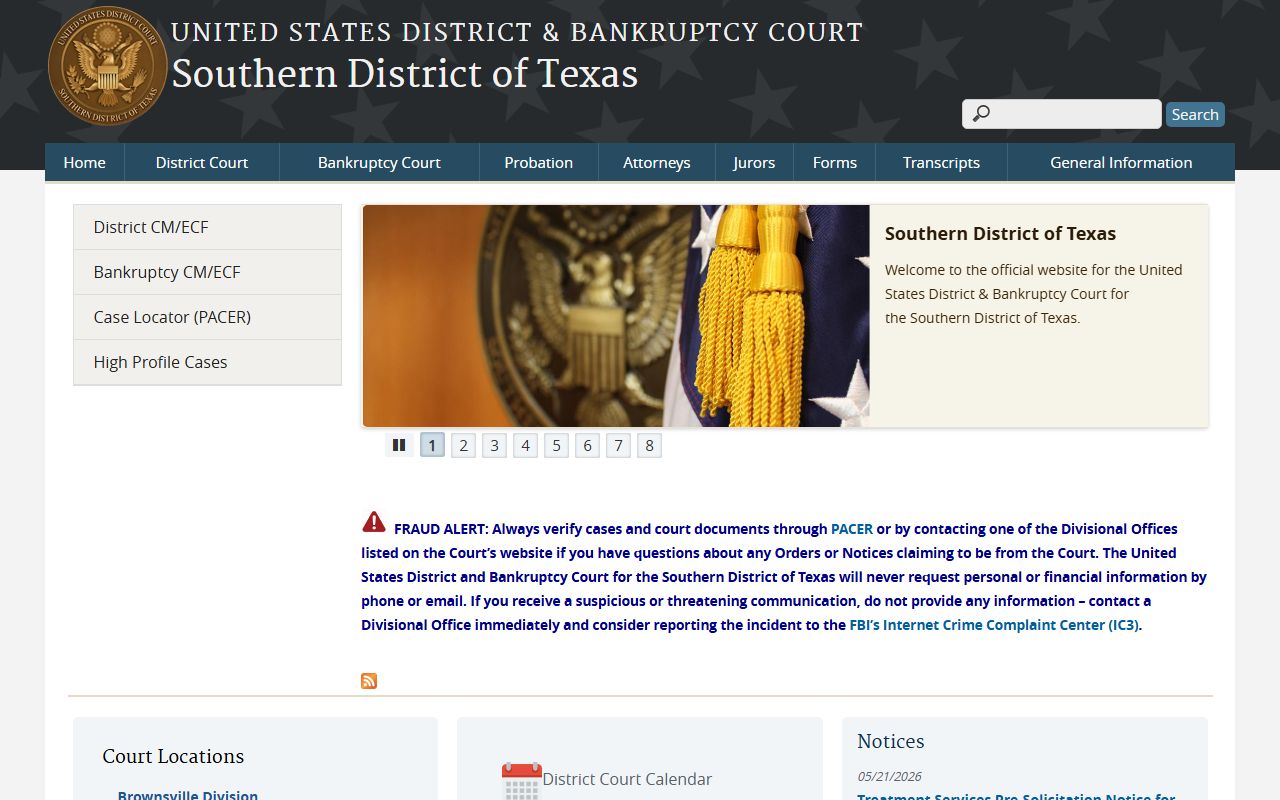
Actual federal docket entries are read through PACER, the federal case-access system. PACER handles registration, case search, and fees for federal dockets.
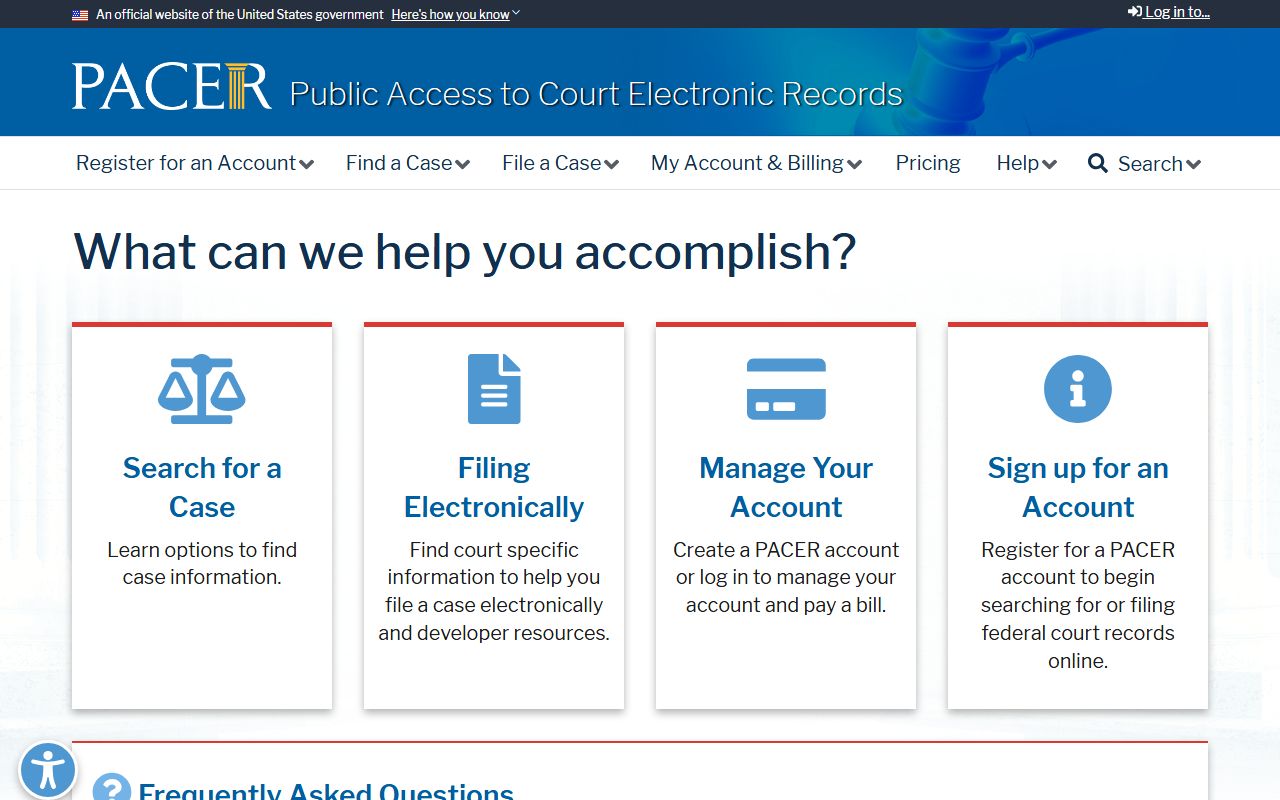
Federal docket access carries per-page fees, unlike the free county hearing search. The Galveston Division covers Brazoria, Chambers, Galveston, and Matagorda counties, and bankruptcy matters for the district are handled by separate bankruptcy judges. So a Galveston County resident may have a county case in the Odyssey portal and a federal case in PACER at the same time, kept in two different systems.